Shopify Plus Checkout Validation — Block Bad Orders Before They're Created
Shopify Plus unlocks native checkout-time validation that prevents bad orders from being created at all. Different mechanic, different operational shape than cancellation.
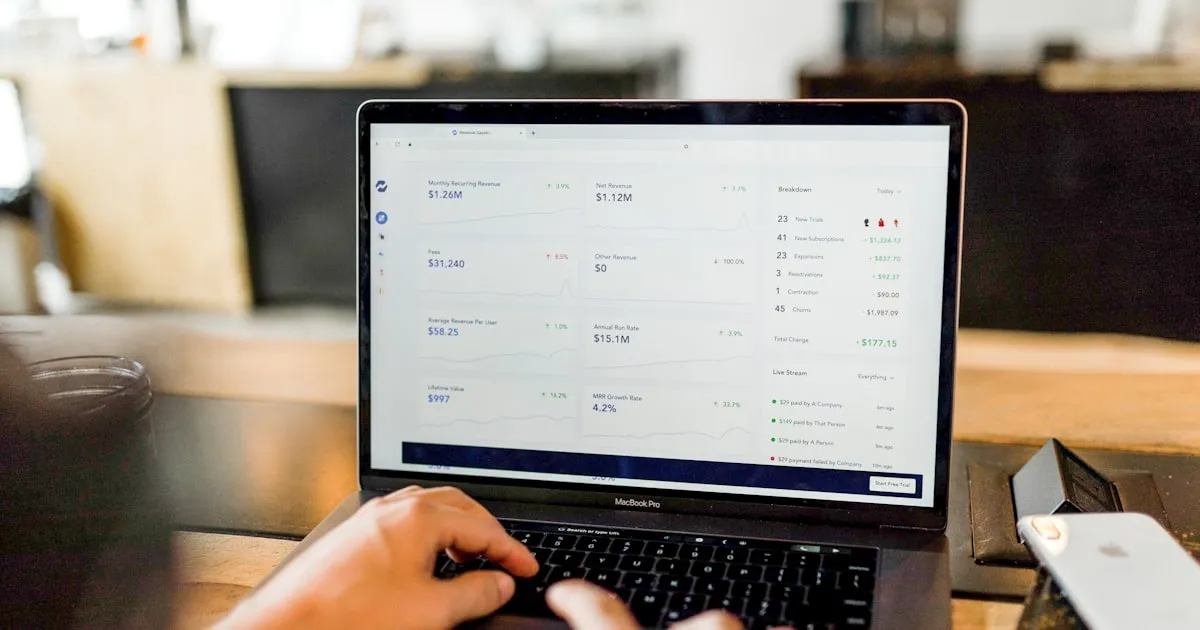
For Shopify stores on Basic, Shopify, or Advanced plans, fraud prevention operates after the order is created. The order arrives in your dashboard, your fraud app evaluates it, and the merchant decides whether to fulfill or cancel.
For Shopify Plus stores, the picture changes. Checkout extensions and Validation Functions let merchants intervene at the checkout step itself, preventing orders from being created when they fail validation rules. The customer never sees the order confirmation. Inventory never gets allocated. The fraud never enters your store's record.
This guide covers what Plus checkout validation actually does, the use cases that specifically benefit, and operational considerations.
What Plus checkout validation does
Shopify Plus's Checkout Extensions API supports two main classes of pre-order intervention:
Validation rules (the Validation Function)
Runs at checkout-completion time. Evaluates cart, customer identity, addresses, order context. Returns either:
- Approve — let the order proceed
- Reject — block the order with a configurable error message
The customer sees the error inline at checkout, similar to how Shopify handles "insufficient inventory" or "shipping not available." They can correct the issue (if applicable) and try again, or abandon the cart.
This is the cleanest form of pre-order intervention. The order doesn't enter Shopify's order pipeline at all — no order ID created, no inventory reservation, no customer notification.
Customization extensions
Modify the checkout experience — adding fields, modifying available payment or shipping methods, conditionally showing or hiding content. Pre-completion adjustments without rejecting the order outright.
The combination gives Plus merchants comprehensive control over what happens between "customer reaches checkout" and "order is created."
What this changes operationally
The shift from "cancel bad orders" to "block bad orders" affects more than just timing:
Inventory accuracy
A blocked order never reserves inventory. A cancelled order temporarily reserves inventory until the cancellation processes, which can create brief inventory inconsistencies during high-volume periods.
Customer notification suppression
A cancelled order typically generated an order-confirmation email before cancellation. A blocked order generates no notification — the customer never received confirmation in the first place.
For fraud orders specifically, this is preferred. Notifying the fraudster that their order was "cancelled" tells them their attempt was detected. They modify and try again.
Fulfillment workflow integrity
A cancelled order might briefly appear in fulfillment queues before cancellation propagates. A blocked order never reaches fulfillment.
Reporting cleanliness
Cancelled orders count toward gross sales figures (with subsequent cancellation adjustment). Blocked orders don't. For high-volume stores, the data cleanliness improves analytics and forecasting.
Customer experience
The customer who hits validation rejection sees an error at checkout. The customer whose order was cancelled after creation sees a cancellation email later. First is often less confusing — customer knows the problem occurred at checkout and can react. Second sometimes triggers support tickets.
The use cases that specifically benefit from pre-order blocking
A few categories particularly favor pre-order blocking over post-order cancellation:
Card testing
Card testing attacks generate volumes of transactions in short windows. With post-order cancellation, each test creates an order that briefly hits your dashboard, generates an authorization, gets cancelled. Card-testing volume can flood your operations.
With validation rules, the test transactions never become orders. Authorizations still happen (the payment network needs to test the cards), but your operational layer sees nothing. Card-testing volume becomes invisible operationally instead of being a flood of cancellations.
High-volume fraud bursts
Coordinated fraud attacks — bot-driven promo abuse, free-product scrapers, identity-based attacks — often generate volume in waves. Post-order cancellation requires the system to process each fraud order before cancelling. Validation rejection prevents the orders from existing.
For stores under attack, the difference is dramatic. System stays responsive instead of getting backlogged with cancellation processing.
Customer-facing fraud signals
For some fraud categories, the cancellation message itself is intelligence. A "your order was cancelled due to suspected fraud" email tells the fraudster their tactic was detected. They modify and try again. Validation rejection at checkout is less revealing — fraudster sees an error at the checkout step, which could be many things.
Inventory-sensitive operations
For limited-drop sales, exclusive product launches, stores with thin inventory margins, the brief inventory reservation during fraud-order-then-cancellation can be problematic. Validation rules prevent inventory from being touched.
Common validation rule patterns
Plus merchants who use validation effectively tend to configure a similar set:
Customer-history-based rejection
Customers with prior chargebacks, refund fraud, or specific blocked-customer tags get rejected at checkout. Simple identity match.
Address-based rejection
Orders to known reshipping addresses, freight forwarders, or specifically blocked addresses get rejected. Combines exact-address and address-pattern matching.
Pattern-based rejection
The $0-cart-and-matching-name pattern is the canonical example. Validation rules implement it cleanly at checkout time.
Quantity- and value-based rejection
Carts with extreme quantities (200 of a single product to a residential address), extreme values (above thresholds you can't fulfill within reasonable fraud-risk windows), or compositions matching known fraud signatures.
Combined-signal rejection
The strongest rules combine multiple signals: AVS mismatch + high-velocity device + high-value cart. Low false-positive rates.
The trade-offs
Plus checkout validation is powerful, but has trade-offs:
Slower iteration on rule changes. Checkout extensions are deployed code, not configuration. Changing a validation rule typically requires re-deploying the function. Faster than it sounds (most fraud apps deploy in minutes), but slower than configuration changes.
Performance budget. Validation functions run synchronously at checkout completion. Strict performance limits — typically under 5ms execution. Heavy logic or external calls aren't possible.
Limited cross-order context. The function sees the current order but not, in real time, the customer's full historical context across all of Shopify. Pre-computed customer-risk scores can be referenced (through customer metafields or external state), but the function itself doesn't query "show me everything about this customer's last 90 days."
False positives are visible. When validation rejects an order, the customer sees the error directly. Misconfigured rules create immediate, visible customer-experience problems. Tuning has to happen against real traffic.
These trade-offs are worth it for stores that benefit from pre-order intervention, but they're real.
The non-Plus path: order-creation listeners
Most fraud apps that work on non-Plus plans use Shopify's order-creation webhooks to evaluate orders within seconds of creation. Functional result approaches Plus validation:
- Order created
- Webhook fires (typically 1-2 seconds)
- Fraud app evaluates
- Fraud app cancels via API
- Customer receives cancellation
Not quite as clean as Plus validation, but close enough for most fraud-prevention purposes. The differences — brief inventory reservation, the order existing momentarily, the cancellation email — matter for some use cases and don't for others.
The decision to upgrade to Plus specifically for checkout validation is rarely the primary driver (Plus has many other benefits), but for stores where the four use cases above are central, it's part of the case.
How Shieldy uses Plus checkout validation
Shieldy Fraud Filter supports both modes:
On Plus: Shieldy deploys a Validation Function that blocks orders matching configured rules at checkout completion. Rules: customer-history blocks, address blocks, pattern detection ($0-cart, matching names), combined-signal blocks. Customer sees inline error at checkout.
On non-Plus: Shieldy uses order-creation webhooks to evaluate within 1-2 seconds and auto-cancel matching orders. Customer sees cancellation email.
Same rule configuration UI works for both — Shieldy detects your plan and deploys the appropriate enforcement mechanism.
A practical setup for Plus stores
If you're Plus and haven't deployed checkout validation:
- Identify the top three fraud or abuse patterns currently slipping past post-order cancellation. Card testing, $0-cart abuse, reshipping address fraud are common candidates.
- Configure validation rules for each. Start conservative; tighten over time.
- Set up monitoring on rule-firing volume to detect over-broad rules quickly.
- Document each rule with rationale and review cadence.
- Coordinate with customer service so they can handle the small flow of legitimate customers who hit a rule and reach out.
Setup typically takes a few hours plus a couple of weeks of monitoring.
Custom error messages
A specific UX consideration: the error message customers see when validation rejects an order matters.
A generic "your order cannot be placed" creates support tickets. A specific message — even if it doesn't reveal the exact rule — orients the customer. We cover this in detail in the error-messages guide.
Short version: be specific enough to redirect the legitimate customer, vague enough not to teach the fraudster what worked.
A practical close
Plus checkout validation is one of the higher-leverage capabilities Plus offers, and one frequently under-used. Many Plus merchants run fraud apps in "post-order cancellation" mode out of habit, not realizing they have a cleaner option natively.
If you're on Plus and your fraud prevention is reactive — cancelling orders rather than preventing them — there's a meaningful opportunity. Setup is modest; operational improvement is real.
Shieldy automatically uses the right enforcement mode for your plan. Upgrade to Plus when the operational gain justifies it.
Protect your Shopify store today
Install Shieldy free — block fraud, bots, and VPNs in under 5 minutes.
Install on Shopify — Free